
Measure first — do not guess
Before optimizing, capture where you stand so you can tell what actually helped. Two tools are enough. PageSpeed Insights (pagespeed.web.dev) shows your mobile and desktop scores plus Core Web Vitals — focus on the mobile score, since most visitors are on phones. TTFB (Time To First Byte) measures how long your server takes to send the first byte.
Healthy targets are LCP under 2.5 seconds, TTFB under about 200 ms, INP under 200 ms and CLS under 0.1. A high TTFB points at the server, hosting, PHP or database. A high LCP with a low TTFB points at images and delivery. The measurement tells you which section below to prioritize.
The WordPress side — what you fix yourself
A CDN cannot rescue a bloated WordPress install, so tidy your own house first. Update PHP to 8.1 or newer — it is noticeably faster than 7.x. Delete plugins you do not use (deactivating is not enough); every active plugin adds scripts and database queries, and 'might need it later' plugins are the biggest offenders. Question heavy page builders and themes that load dozens of stylesheets and scripts per page — a lighter, block-based theme is often faster.
Clean the database: old revisions, spam comments and stale transients pile up, so remove them and optimize the tables. Trim third-party scripts such as chat widgets, heatmaps, extra fonts and tracking pixels; each one is another request and delay. For query-heavy sites like WooCommerce, membership or forums, a Redis object cache keeps repeated database lookups in memory and cuts TTFB sharply — shared hosting rarely includes it, so it usually needs a dedicated Redis service.
Caching — the highest-return step
WordPress rebuilds every page from scratch with PHP and the database on each visit. Page caching stores the finished HTML and serves it ready-made to the next visitor, so server load and TTFB drop immediately. Install a page-cache plugin such as WP Super Cache, W3 Total Cache or LiteSpeed Cache (or enable your host's built-in cache), turn on GZIP/Brotli compression, and set browser-cache headers so returning visitors do not re-download static files.
Page caching speeds up your single server; edge caching speeds up the whole world. cdn.com.tr serves your static files from the edge server nearest each visitor over Brotli and HTTP/2 — a visitor in Istanbul and one in Germany both load fast. The two work together: WordPress page cache plus cdn.com.tr edge cache.
Images — the heaviest part of the page
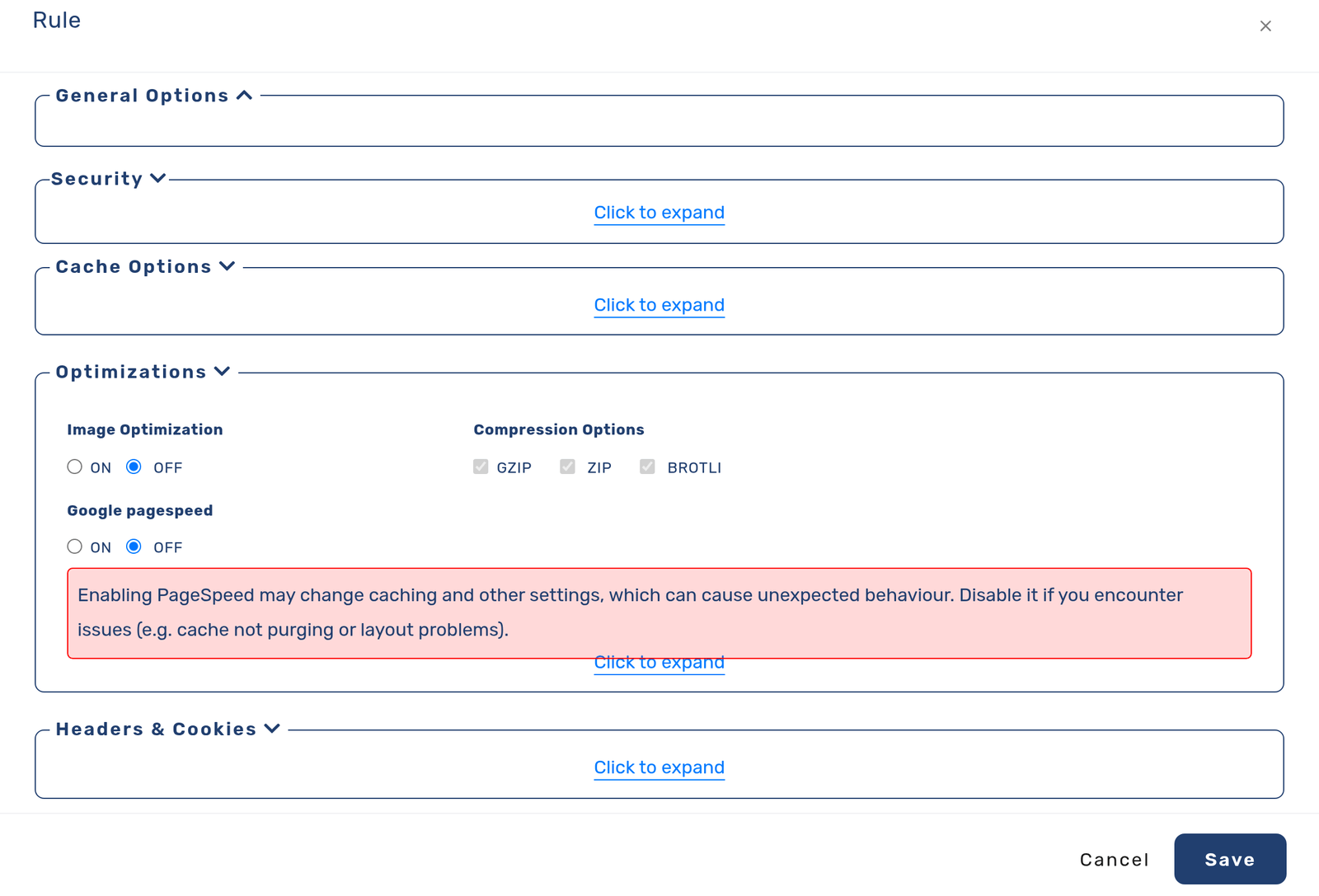
Most of a page's weight is images, so there is a lot to win here. Upload images at the size they are displayed — sending a 4000px photo into an 800px slot is pure waste. Use lazy-loading (WordPress does this by default) so off-screen images wait until needed. Then switch to next-gen formats, which is what clears PageSpeed's 'Serve images in next-gen formats' warning: on photographs WebP and AVIF are much smaller than JPEG at the same quality (in our measurement a 1920×1080 photo went from 186 KB as optimized JPEG to 114 KB as WebP and 87 KB as AVIF), while on screenshots, logos and small icons a well-optimized PNG can still win.
Instead of converting by hand, the free CDNTR plugin does this automatically: it creates WebP (and AVIF where your server supports it) on your own server, serves them from the CDN via a picture element, and falls back to the original for older browsers. It only serves a converted file when it is genuinely smaller, so a well-compressed photo is never made bigger, and it can bulk-convert your whole media library.
Delivery — why a CDN is not optional
Even with a perfect WordPress setup you still have one server: a distant visitor waits, and a traffic spike strains it. A CDN copies your static files to edge servers spread across the world, and each visitor is served from the nearest one — lower latency, resilience under load, and automatic SSL, WAF and DDoS protection alongside the speed.
Wiring it into WordPress takes minutes with the free CDNTR plugin. In your WordPress admin open Plugins → Add New, search for 'CDNTR', install and activate it, then press "Connect to CDN.com.tr" in Settings → CDNTR. You approve the site in your own cdn.com.tr panel — no password or key to copy — and your CDN hostname fills in automatically. From then on your CSS, JavaScript and images are served from the CDN with no theme changes. The plugin also gives you one-click and automatic cache purging, so updated content goes live immediately, plus cache warm-up that pre-warms your pages after a purge, so the first visitor never waits on a cold page.
When you want the platform to handle it
You can assemble caching, a CDN, images and SSL yourself, or hand the infrastructure to cdn.com.tr. For high-traffic or WooCommerce sites it also offers managed WordPress hosting, managed Redis for object cache, and S3-compatible object storage to offload media — so part of the 'WordPress side' work becomes ours too. Certificates renew themselves, traffic spikes are absorbed at the edge, and you focus on the site instead of the plumbing.
Where speed pays off most
Faster product and checkout pages lift conversions directly; caching and a CDN keep a busy shop responsive under load.
When a post takes off, edge caching serves the crowd from copies close to them instead of overwhelming one server.
Most visitors are on mobile; lighter next-gen images and cached pages improve the Core Web Vitals Google ranks on.
WordPress speed FAQ
Do I still need a caching plugin if I use a CDN?
Yes — they solve different problems. A page-cache plugin stores the HTML WordPress builds on your server; a CDN delivers that output and your static files from an edge close to each visitor. Used together they compound.
Does switching to WebP reduce image quality?
No. WebP and AVIF produce smaller files at the same visual quality. CDNTR only serves a converted file when it is genuinely smaller than the original; otherwise it keeps the original.
I run WooCommerce — will dynamic pages break?
No. Only static files (CSS, JS, images) are served from the CDN; cart, checkout and account pages keep working normally, and automatic purge keeps category and shop pages fresh.
My server is slow — is a CDN enough?
A CDN speeds up static delivery, but if a high TTFB comes from hosting, PHP or the database you must fix that first (see the WordPress-side and caching steps). For a very slow server, moving to managed WordPress is the most durable fix.