Source type
This case must use Push CDN because files are placed in CDN.com.tr storage.
- Pull CDN is for an existing origin.
- Push CDN is for uploaded static files.
- CDN Hosting/Platforms is for workloads running on CDN.com.tr.
CDN.com.tr Help
Use the Add Your Website wizard to choose Push CDN + Default Endpoint and publish static files from the generated default CDN.com.tr domain.
Case studies
Use the Add Your Website wizard to choose Push CDN + Default Endpoint and publish static files from the generated default CDN.com.tr domain.
This case must use Push CDN because files are placed in CDN.com.tr storage.
This case must use Default Endpoint because it does not use the customer domain.
The case study starts from the Add Your Website button in the CDN account list.
Expected result: The wizard shows Pull CDN, Push CDN, and CDN Hosting options.
Simple Transfer requires the file to live on CDN.com.tr.
Expected result: The source type continues as `push`, and the package prerequisite is solved in the panel.
Selecting Default Endpoint in the delivery method step avoids custom DNS work.
Expected result: The account is ready to serve from the default CDN.com.tr endpoint.
File Manager or Push CDN API stores the file on the selected account.
Expected result: The static file returns 200 from the default CDN.com.tr domain without a custom domain.
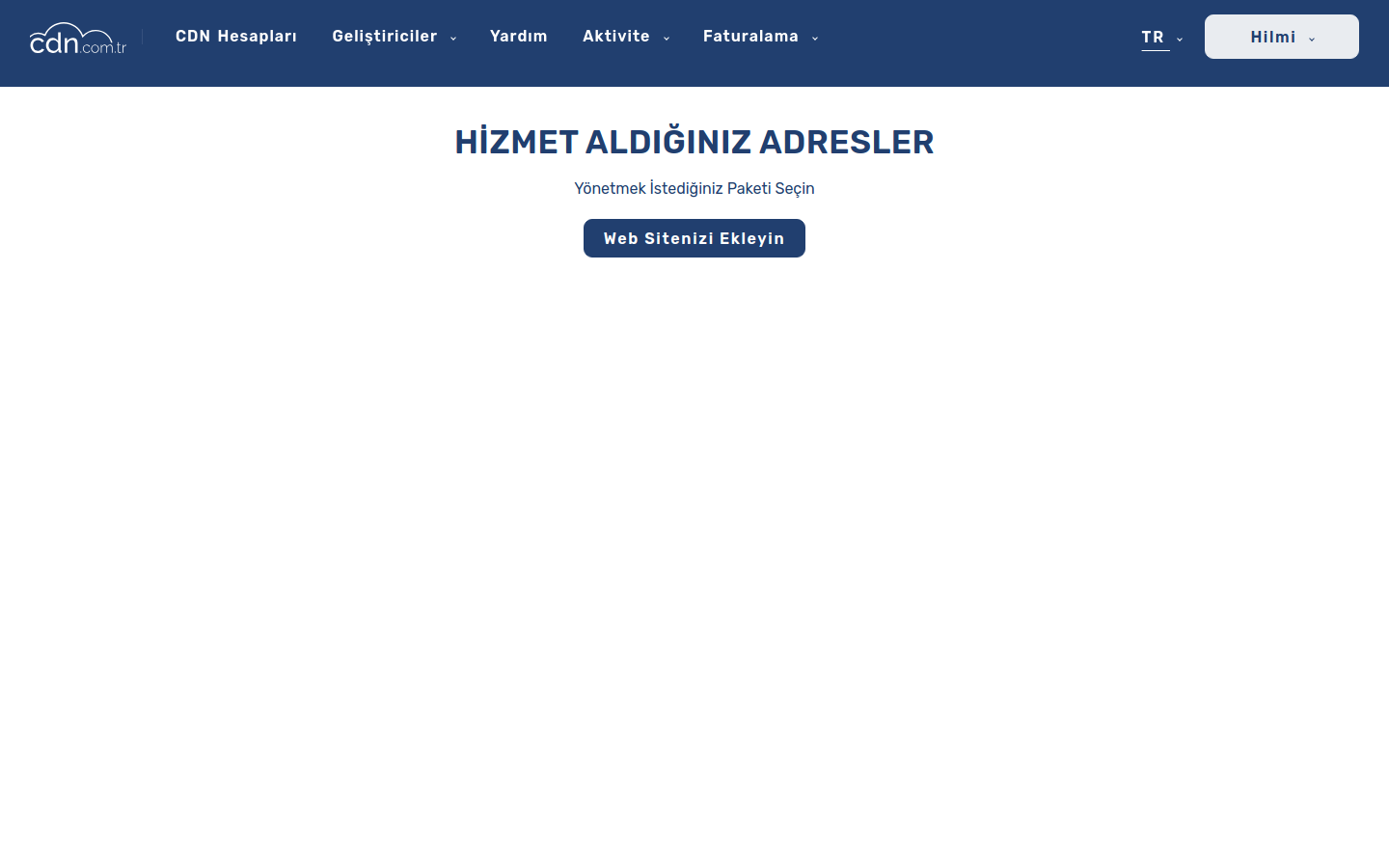
Add Your Website button.
/assets/img/help/screenshots/simple-transfer/01-cdn-accounts-add-website.png
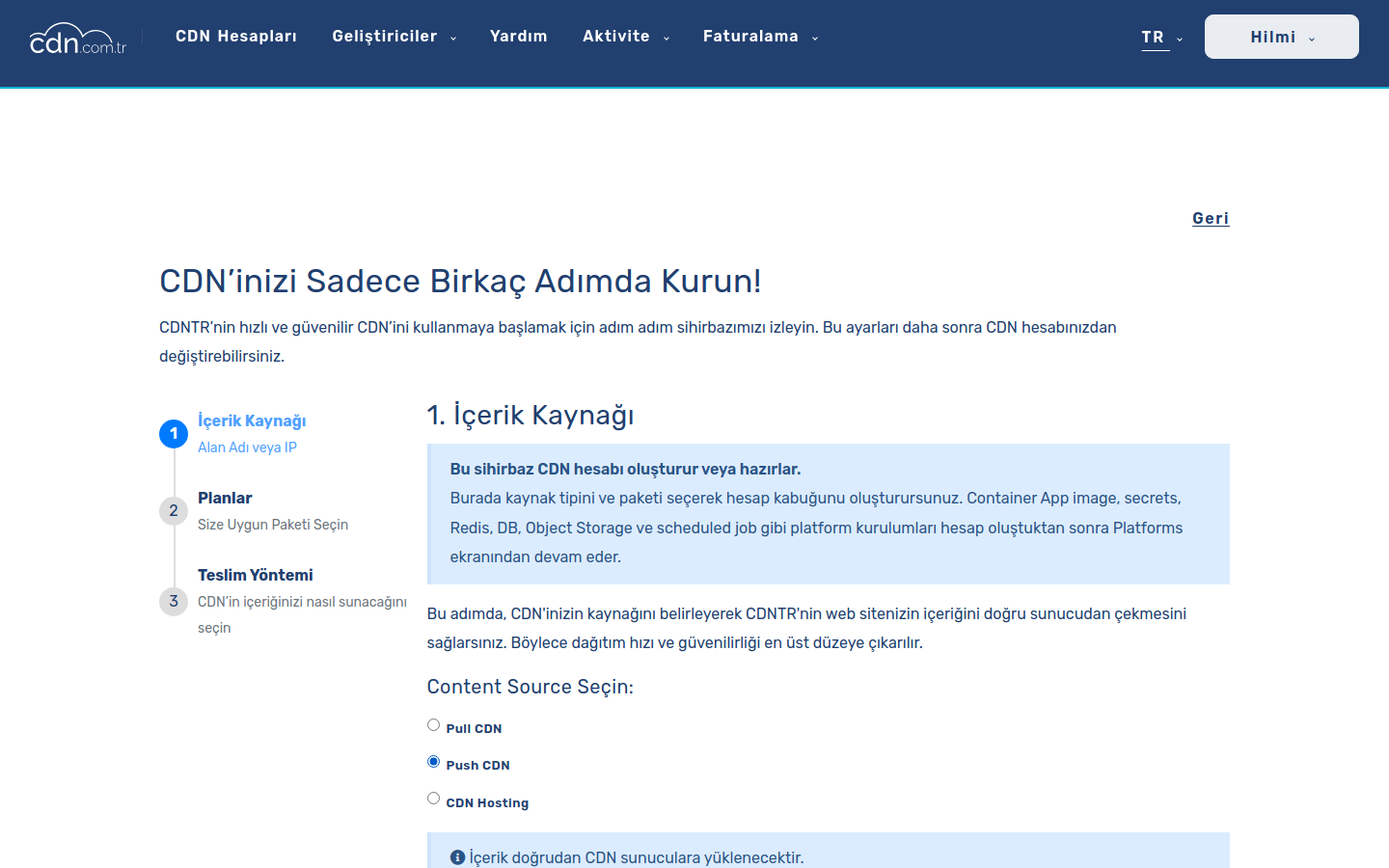
Push CDN selected in the Content Source screen.
/assets/img/help/screenshots/simple-transfer/02-content-source-push-cdn.png
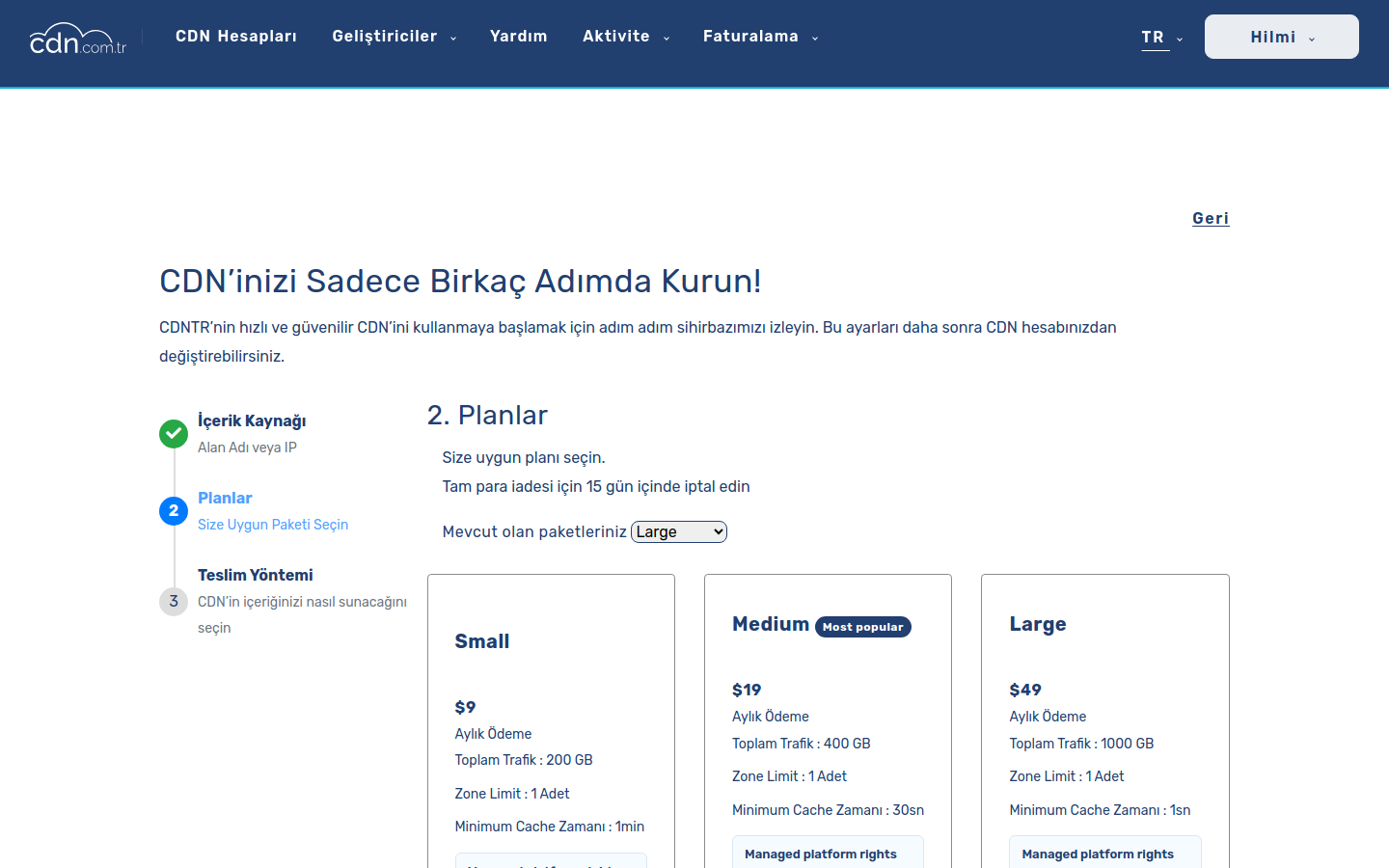
Package selection or purchase step.
/assets/img/help/screenshots/simple-transfer/03-package-selection.png
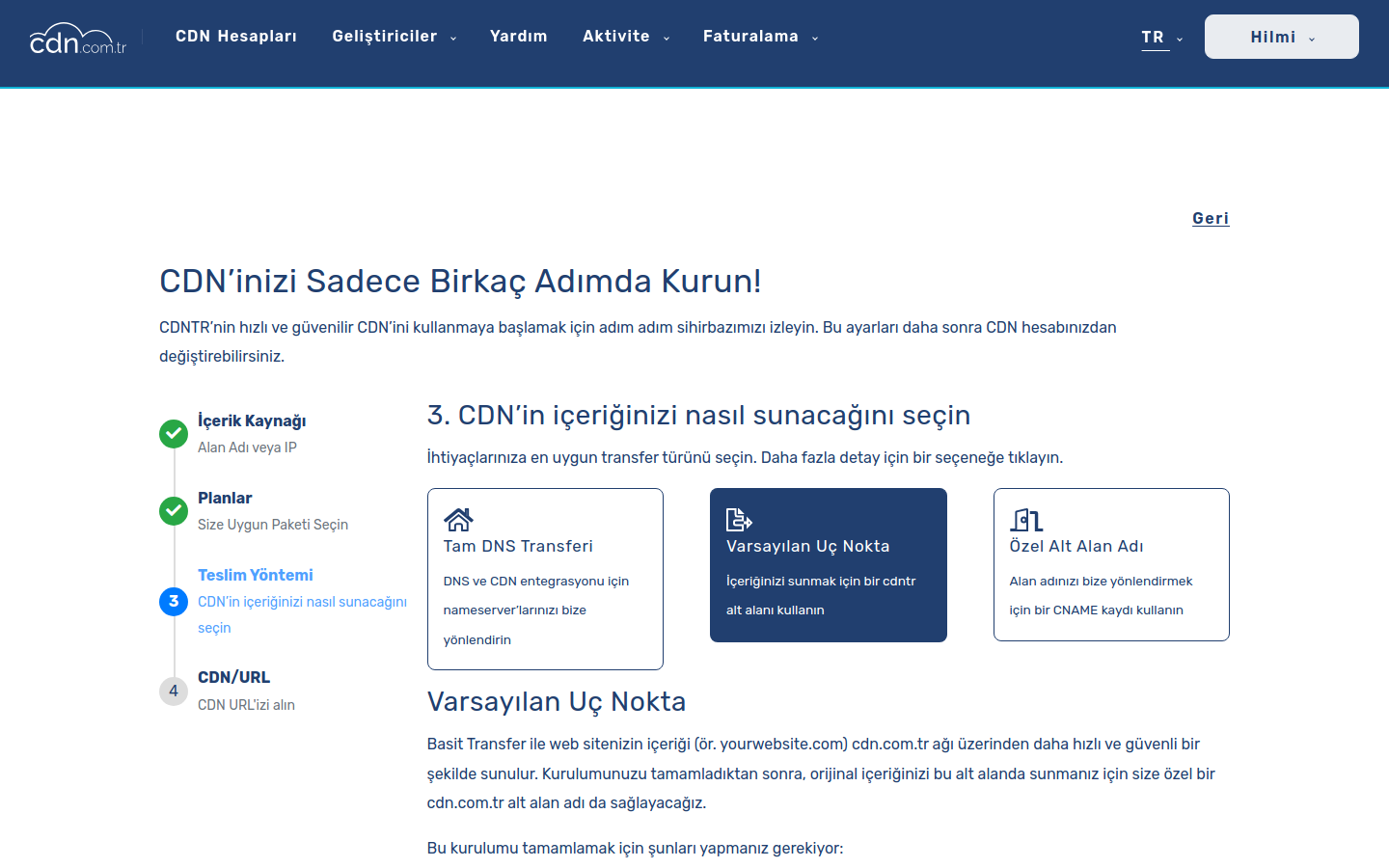
Default Endpoint selected in the delivery method screen.
/assets/img/help/screenshots/simple-transfer/04-delivery-method-default-endpoint.png
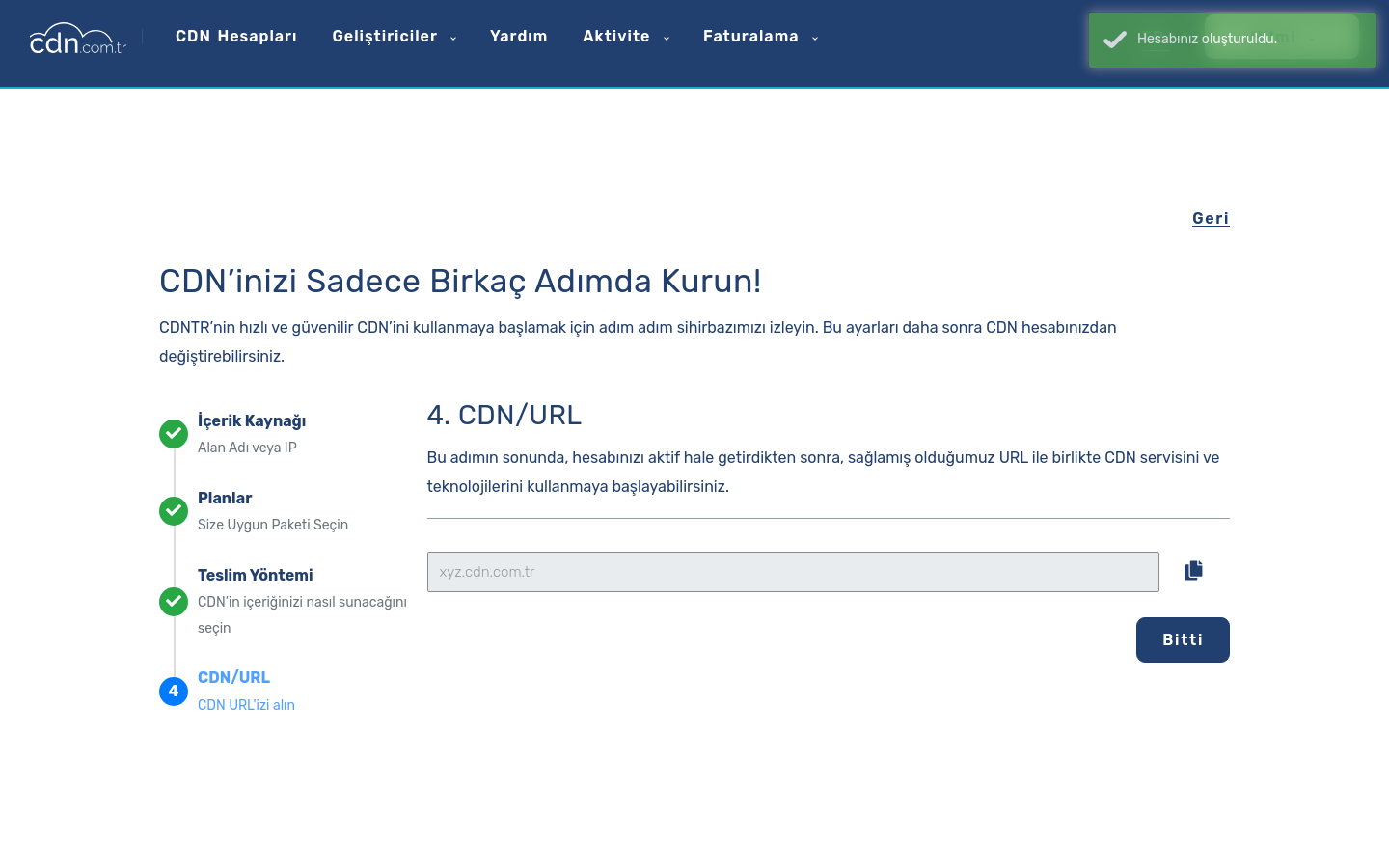
`xyz.cdn.com.tr` value.
/assets/img/help/screenshots/simple-transfer/05-generated-default-endpoint.png
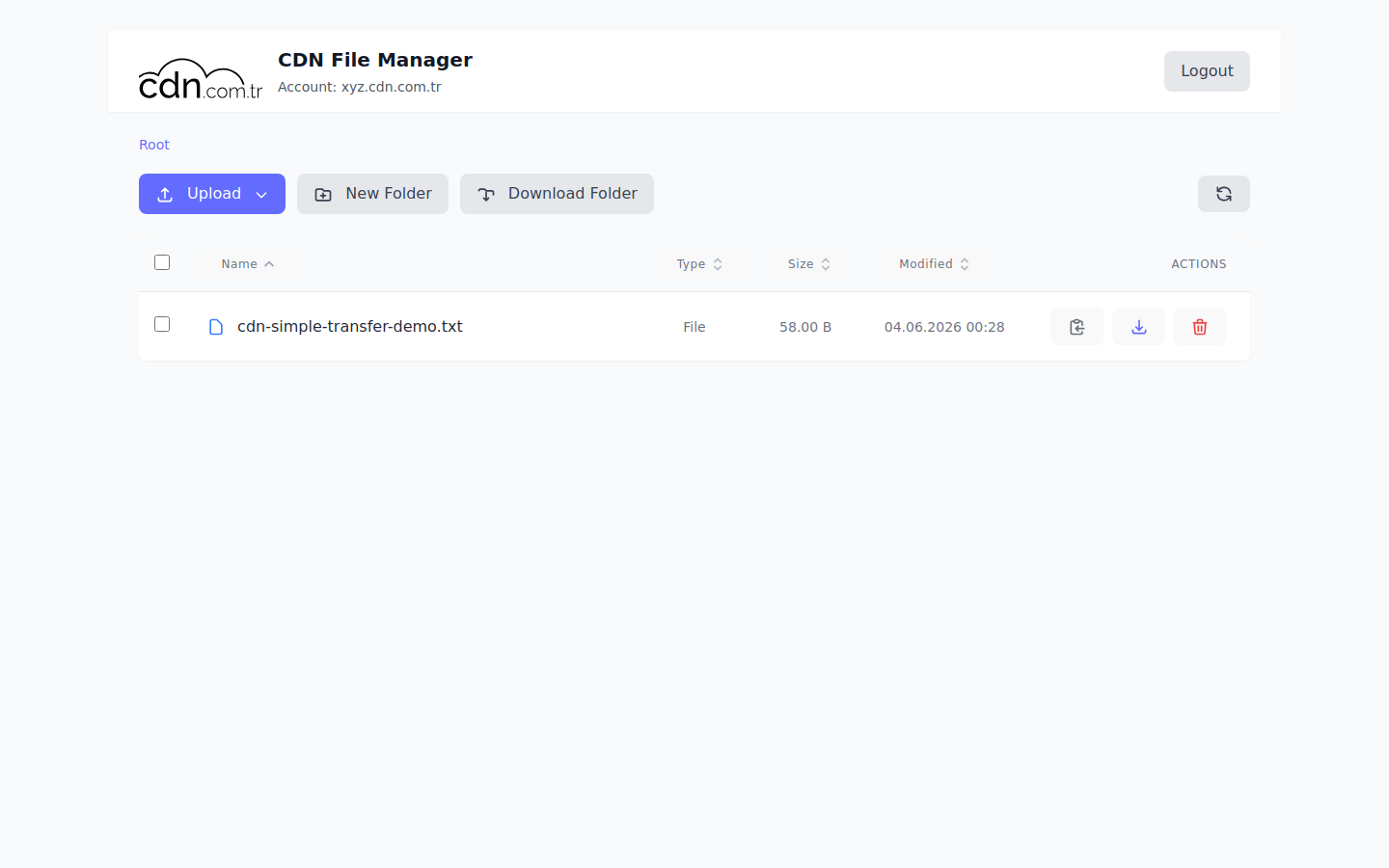
Uploaded file appears in the listing.
/assets/img/help/screenshots/simple-transfer/06-file-manager-upload.png
200 verification through the default domain.
/assets/img/help/screenshots/simple-transfer/07-public-url-verify.png
A customer needs static asset hosting without connecting their own domain; files live in CDN.com.tr storage and are read from `xyz.cdn.com.tr`.
Start from account creation, manual package purchase, package assignment, and a ready account UUID for later workflows.
Serve an existing origin through CDN.com.tr with hostname, DNS, SSL, origin Host header, and Apply Changes.
Publish a WordPress, PHP, Managed Container, AI, or Knight Online application after package entitlement is ready.