
What a CDN API is for
A CDN speeds up your site by caching content at the edge, but every real workflow eventually needs to change something programmatically: clear the cache when you publish, add a domain when you launch a site, check how much traffic an asset is getting. Doing that by hand in a dashboard is fine once; doing it on every deploy, for every site, is not.
A CDN API is simply a way for your own code to talk to the CDN over HTTP. Instead of a human clicking "purge", a script sends a request. This turns the CDN from a thing you configure into a service you orchestrate — the difference between a tool and infrastructure.
Cache purging: the number-one use
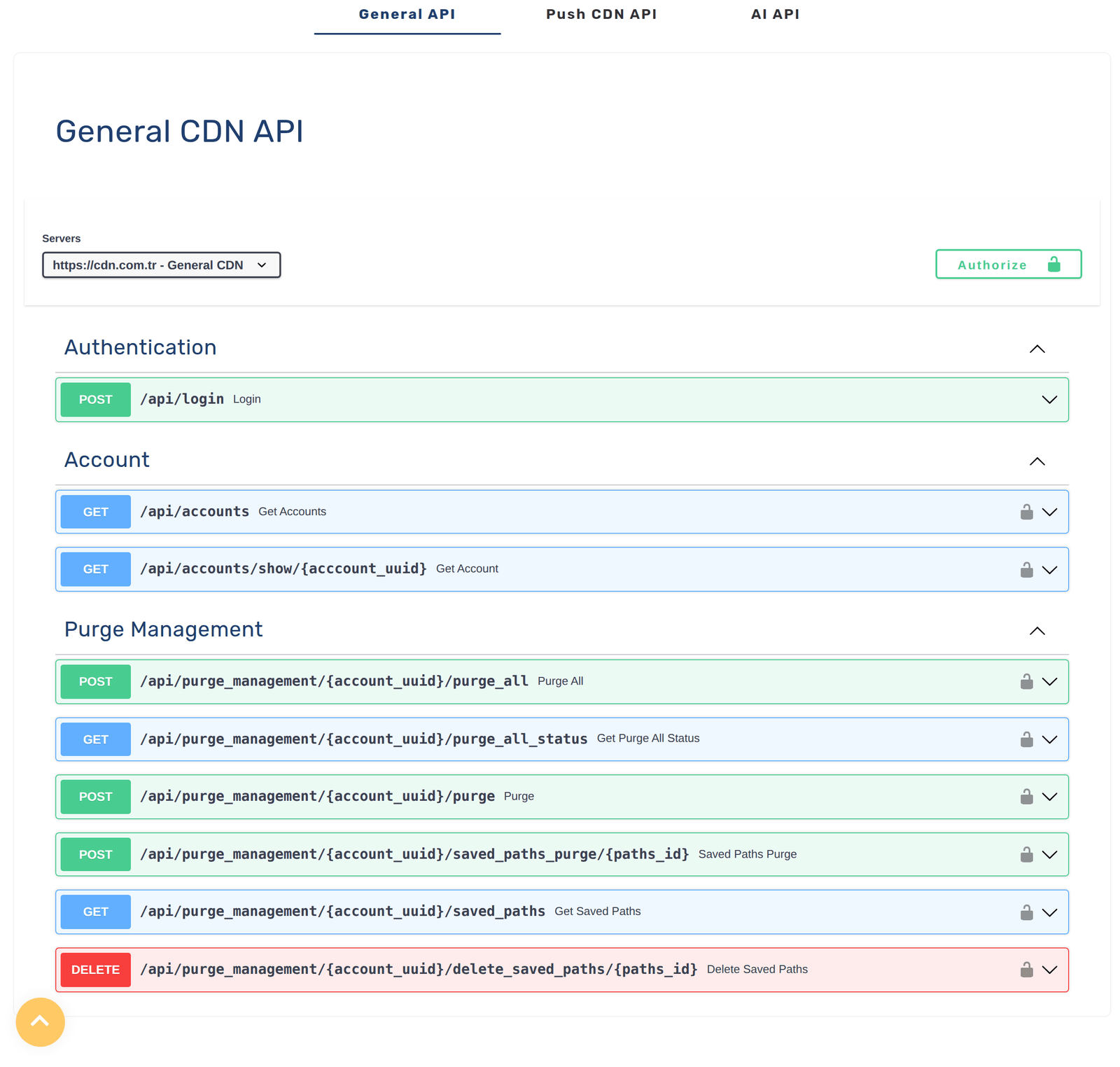
The most common reason to reach for a CDN API is cache invalidation. When you update a page, a price, a CSS file or a product image, the edge may still be serving the old cached copy until it expires. Purging tells the CDN to drop the cached version so the next request fetches your fresh content.
The power comes from automating it: the moment your deploy finishes or your CMS saves a change, a script calls the purge endpoint and the edge updates — no waiting for a cache to time out, no stale content shown to users, no human remembering to click a button. This is why cache purging is usually the first thing teams wire up.
Managing domains, SSL and settings
Beyond purging, a good CDN API lets you manage the account itself. You can add or remove custom domains, trigger or check SSL certificate issuance, and adjust caching and security settings — all from code. For anyone running many sites, or provisioning a new site as part of onboarding a customer, this is the difference between minutes of clicking and an instant automated setup.
Because these actions are scriptable, they become repeatable and consistent. A new project can be stood up — domain attached, SSL issued, caching configured — the same way every time, from a template, without manual steps to forget.
Analytics and automation
A CDN sees a huge amount of useful data: requests, bandwidth, cache hit ratios, where your traffic comes from. Reading that through an API lets you pull it into your own dashboards, alerting or billing, instead of eyeballing charts. You can spot a traffic spike, a drop in cache efficiency, or an unusual pattern and react automatically.
Put together, purging, management and analytics let the CDN participate in your automation rather than sitting beside it. Deploys purge the right paths, new sites provision themselves, and metrics flow where you need them.
CI/CD: the CDN as part of your pipeline
The natural home for CDN API calls is your CI/CD pipeline. A deploy is a perfect trigger: build the site, ship it, then call the API to purge exactly the paths that changed so visitors immediately get the new version. Combine that with programmatic domain and SSL management and a full environment can be created, deployed and cache-synced with no manual step.
This is also where automation prevents mistakes. Instead of a person deploying and then forgetting to clear cache — a classic "why is it still showing the old version?" bug — the pipeline does both, every time, in the right order.
The cdn.com.tr API
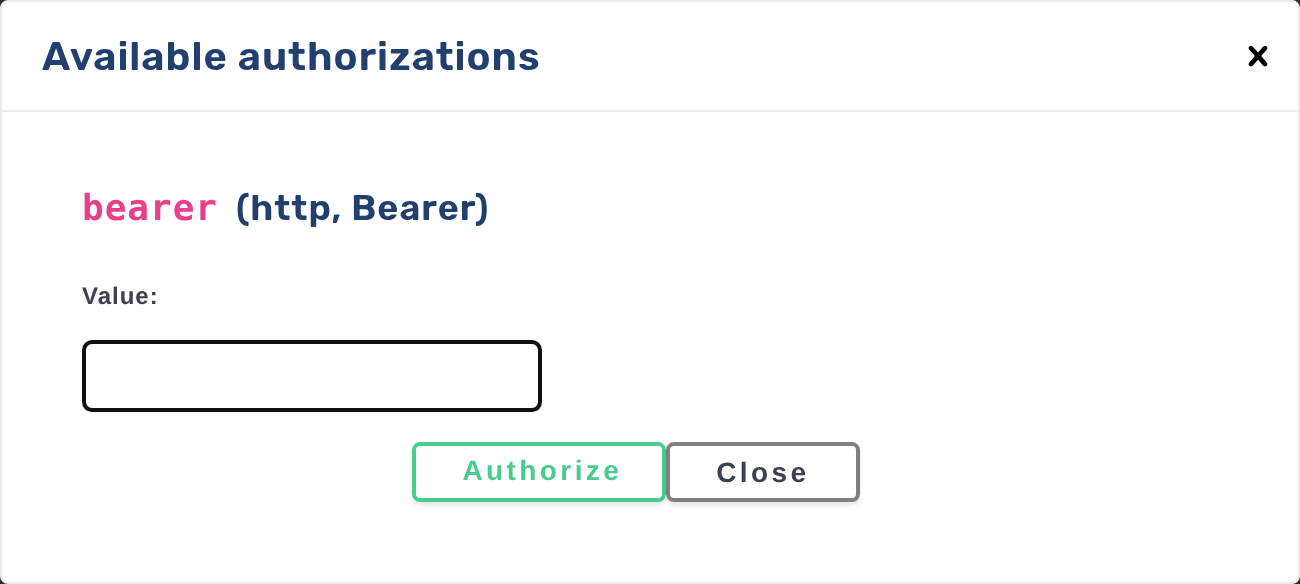
cdn.com.tr provides a REST API at api.cdn.com.tr so you can drive your CDN and platform from code. You can automate cache purging after deploys, manage domains and SSL, and integrate delivery into your own tooling and pipelines. Requests are standard HTTP with token-based authentication, so it fits any language or CI system without special SDKs.
If you already deploy from Git or a pipeline, adding a purge call at the end of your build keeps the edge in step with every release. The result is content delivery that behaves like the rest of your infrastructure — automated, repeatable and out of your way.
Where a CDN API earns its keep
Purge changed paths at the end of every CI/CD run so users get fresh content the instant you ship.
Provision domains, SSL and settings from a template so every new site is set up identically without clicking.
Trigger a purge whenever an editor publishes, so cached pages never lag behind the content.
Pull CDN metrics into your own monitoring to watch bandwidth, cache hit ratio and traffic programmatically.
CDN API FAQ
What is the most common thing people do with a CDN API?
Cache purging after a deploy. When you publish new content the edge may still serve the old cached copy; an automated purge call drops it so the next request fetches the fresh version. Wiring this into your deploy is usually the first and highest-value integration.
Do I need to be a big company to use a CDN API?
No. Even a single site benefits from automating cache purge on deploy so you never show stale content. The API is just HTTP calls, so a small script in your pipeline is enough to start.
Can I manage SSL and domains through the API?
Yes. The cdn.com.tr API lets you manage custom domains and SSL alongside cache purging, so you can provision a new site — domain attached, certificate issued, caching configured — programmatically instead of by hand.
What does the cdn.com.tr API look like?
It is a REST API at api.cdn.com.tr using standard HTTP requests with token-based authentication, so it works from any language or CI system. You call endpoints to purge cache, manage domains and SSL, and read data — no special SDK required.